Reusing Miro templates is one of the easiest ways to move faster. A good template can help teams run workshops, plan campaigns, map product work, organize research, and facilitate recurring meetings without starting from a blank board every time.
But templates are not completely free. Every reused board creates a hidden cleanup step. Old client names, project details, dates, placeholders, and outdated wording may stay scattered across the board. If nobody cleans them up carefully, the board can create confusion or look unprofessional.
This is the hidden cost of reusing Miro templates: the structure saves time, but the cleanup still needs attention.

Why teams reuse Miro templates
Templates are useful because they make repeatable work easier. Teams use them for:
- Client workshops
- Product planning and roadmaps
- Sprint planning and retrospectives
- Campaign planning
- Research synthesis
- Onboarding boards
- Strategy sessions
- Creative briefs and messaging maps
The more often a team repeats a workflow, the more valuable templates become. But repeated workflows also create repeated cleanup tasks.
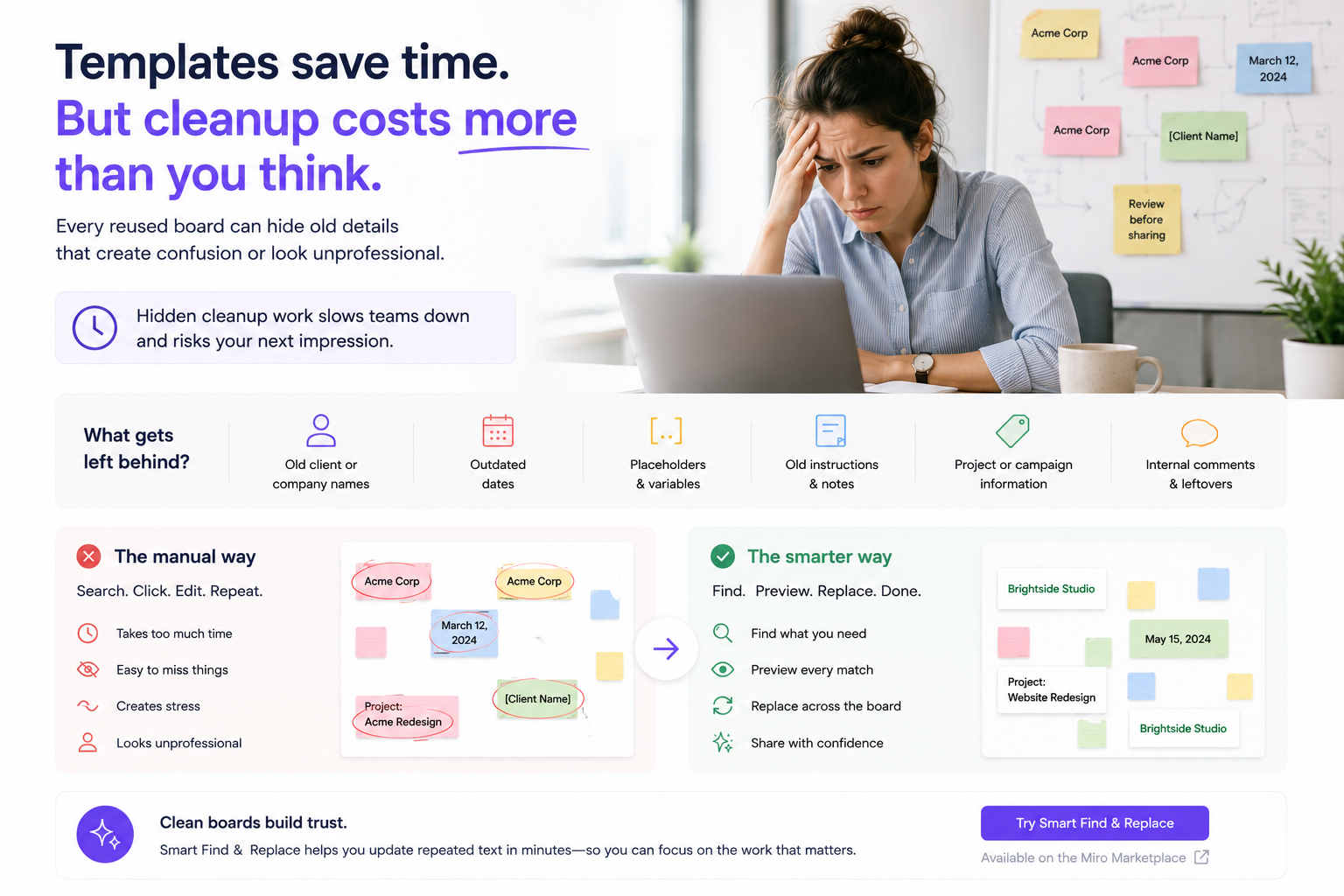
What gets left behind after cloning a board
When a board is copied, old details can remain in visible and less obvious places. Common examples include:
- Old client names
- Old company names
- Project and campaign names
- Workshop dates
- Placeholders like [Client Name] or [Date]
- Outdated instructions
- Old terminology
- Internal notes from a previous session
These details can appear across sticky notes, cards, text boxes, frames, agenda sections, and follow-up areas.
Why cleanup matters
Template cleanup is not only about neatness. It affects the quality of the experience for the people opening the board. A missed old client name can make the board feel careless. A wrong date can confuse participants. A placeholder can make a session feel unfinished.
For consultants, agencies, product teams, and marketing teams, this matters because the board often represents the quality of the work.
Why manual cleanup gets expensive
Manual cleanup may not seem expensive when it takes five minutes. But if teams reuse boards every week, the time adds up. The cost is even higher when multiple people are involved or when someone has to check a board carefully before every client session.
Manual cleanup also has an attention cost. It is repetitive work that pulls people away from higher-value tasks, like preparing the actual workshop, refining the strategy, or improving the client experience.
What a better cleanup workflow looks like
A better workflow should be simple and repeatable:
- Search for old or repeated text.
- Preview every match before changing it.
- Replace the text across the board.
- Review the board before sharing.
This kind of workflow reduces manual clicking and gives users more confidence before they send a board to a client, stakeholder, or team.
Where Smart Find & Replace fits
Smart Find & Replace helps teams clean up reused Miro boards by making repeated text easier to update. It is useful when old client names, placeholders, dates, project terms, or repeated wording need to be replaced across a board.
For simple cleanup, exact find and replace can be enough. For more complex boards, Smart Pro can support advanced workflows like variations, placeholders, inconsistent wording, and larger team cleanup needs.
Try Smart Find & Replace
If your team reuses Miro templates often, make board cleanup part of the workflow. Smart Find & Replace helps users find, preview, and replace repeated text so cloned boards are easier to prepare and share.
FAQ
Why is reusing Miro templates sometimes risky?
Old names, dates, placeholders, and instructions can stay inside the copied board and be missed before sharing.
Who benefits from faster Miro template cleanup?
Consultants, agencies, product teams, marketing teams, facilitators, and template creators can all benefit.
What should I check before sharing a reused board?
Check client names, dates, project names, placeholders, old instructions, and internal notes.
How does Smart Find & Replace help?
It helps users search, preview, and replace repeated text across a Miro board faster than manual cleanup.
Try Smart Find & Replace
Find, preview, and replace repeated text across Miro boards before old names, dates, placeholders, or repeated terms slow the team down.
Make reused boards easier to clean up